/01
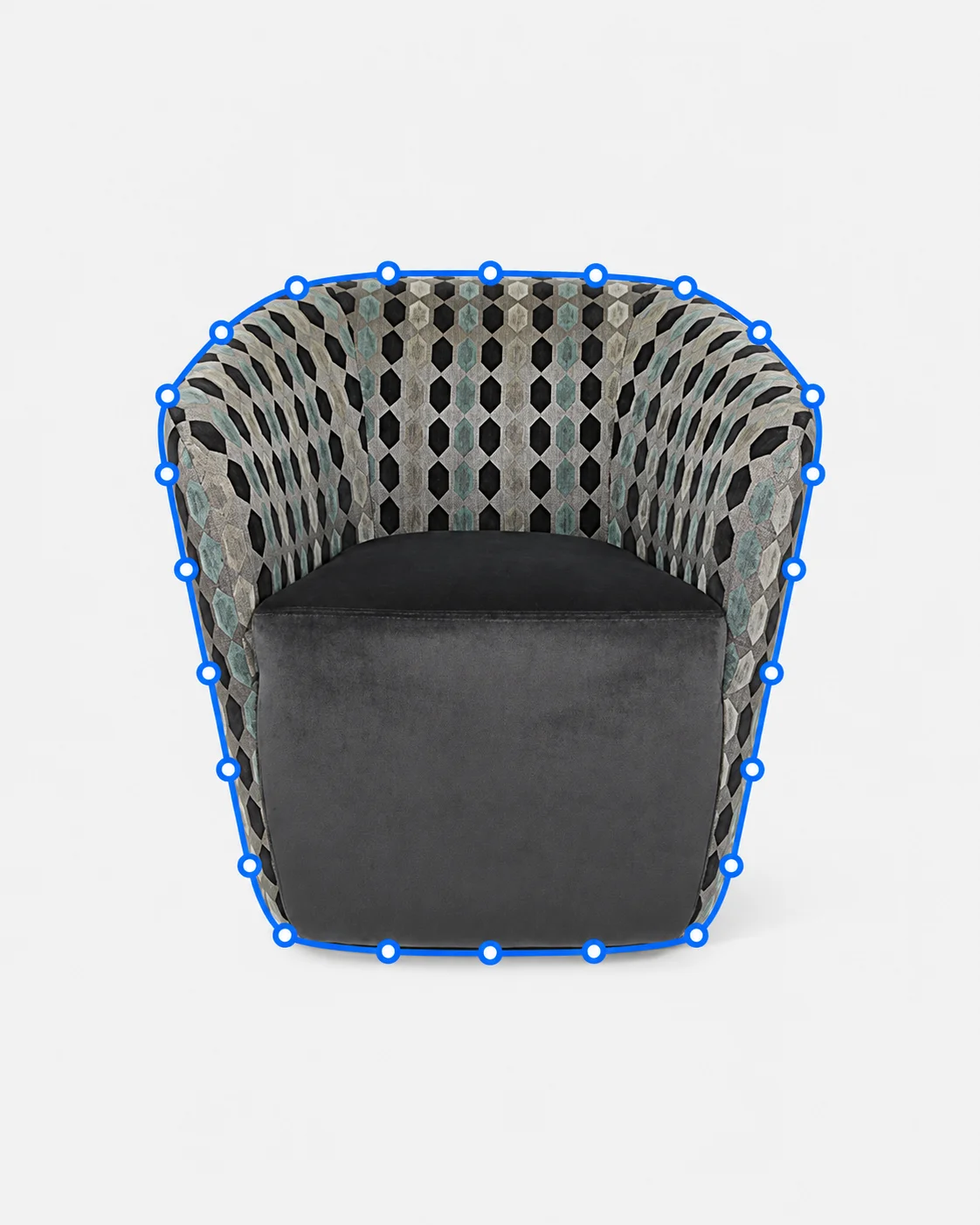
Upholstered Furniture
Trace curved chair silhouettes and detailed upholstery edges.
Photo post-production
Hand-drawn vector paths created in Adobe Photoshop at high magnification, supplied in layered PSD or pre-press TIFF files for print and digital use.
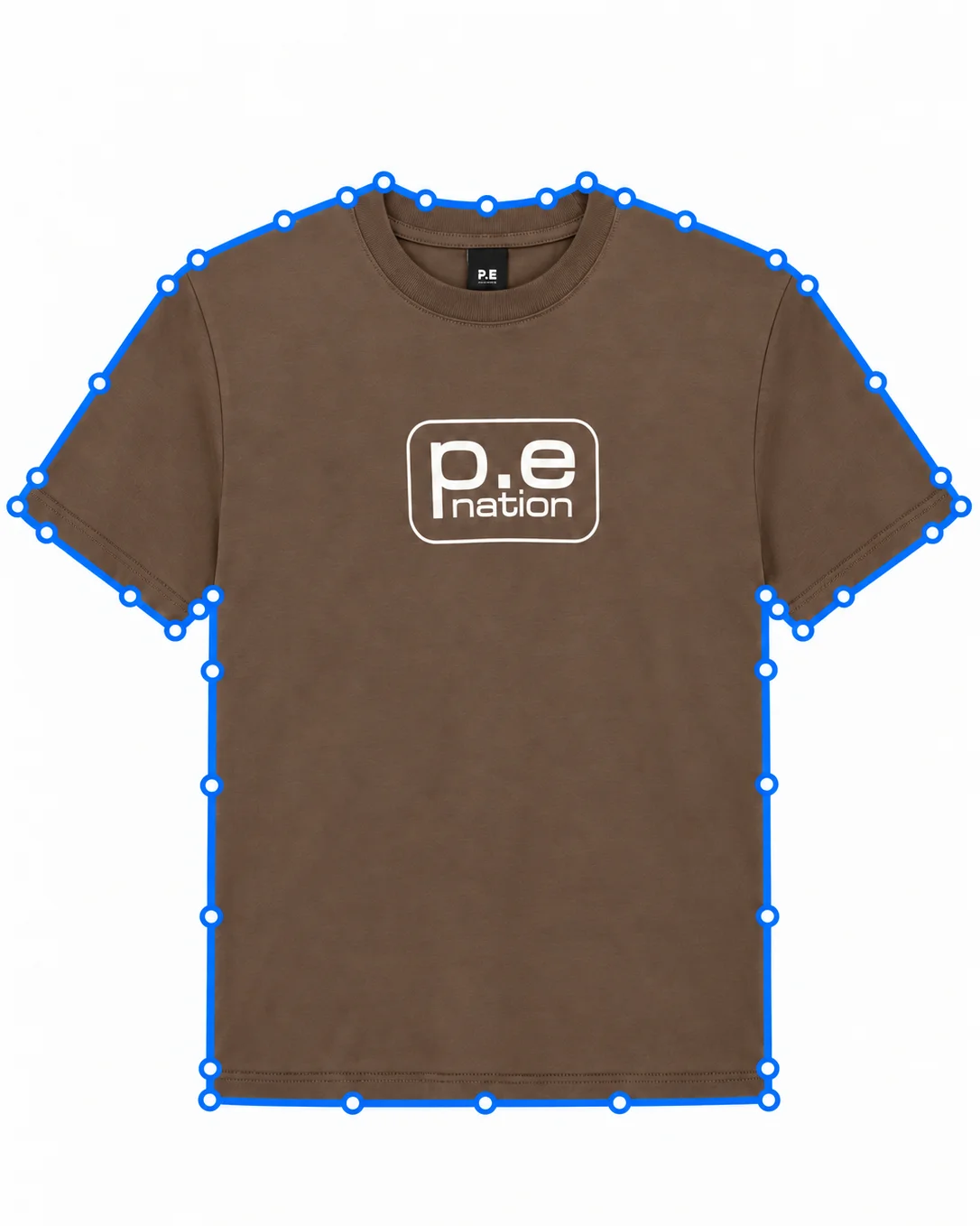
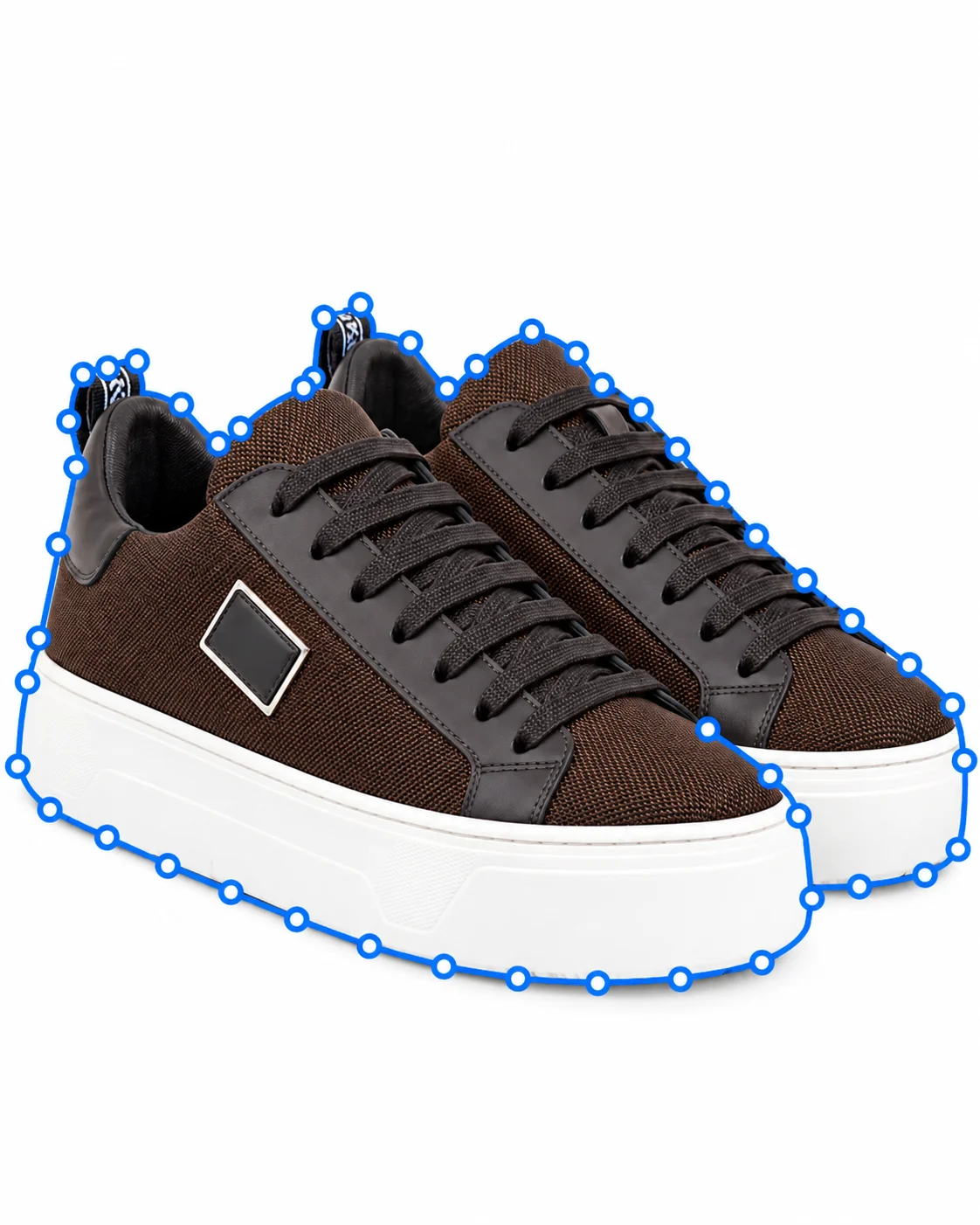
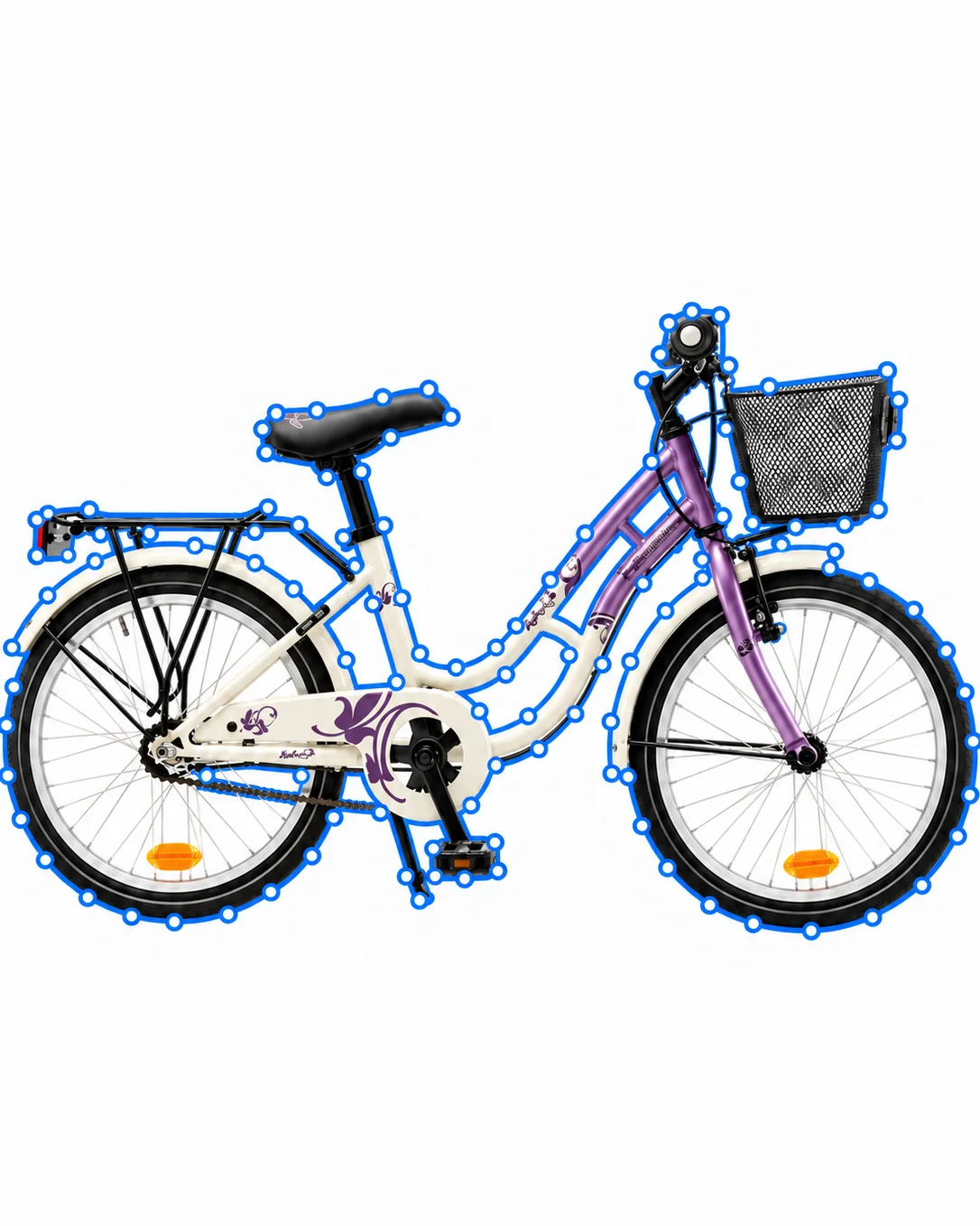
Anchor points are plotted along natural inner object edges to avoid background color spill or harsh cutout borders.
We create independent named sub-paths for buttons, collars, soles, and dials for selective color shifting and retouching.
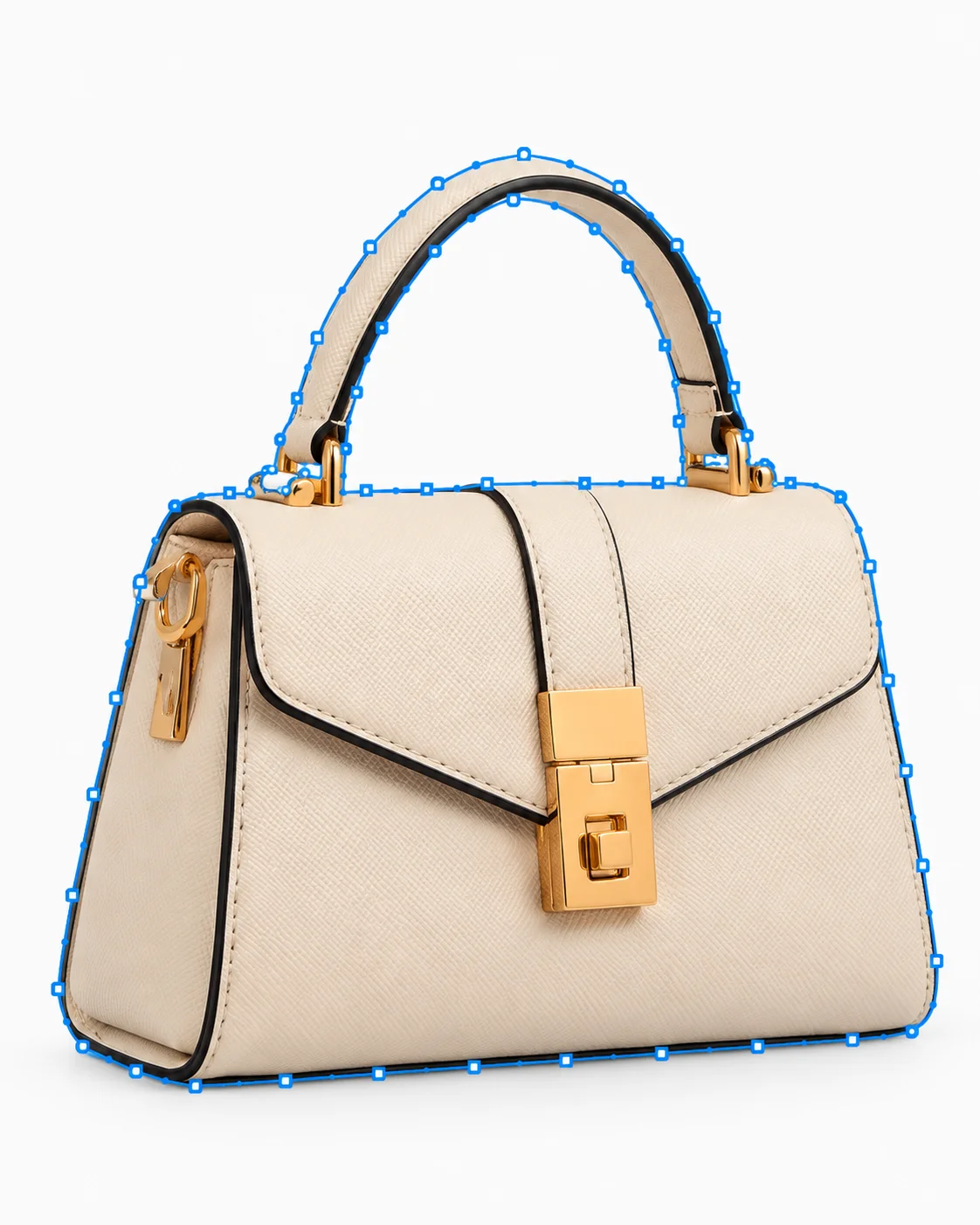
Paths are saved as active clipping paths with designated flatness settings ready for InDesign, Illustrator, and web pipelines.
Layered PSD, embedded vector clipping paths, transparent PNG, and marketplace sRGB outputs.
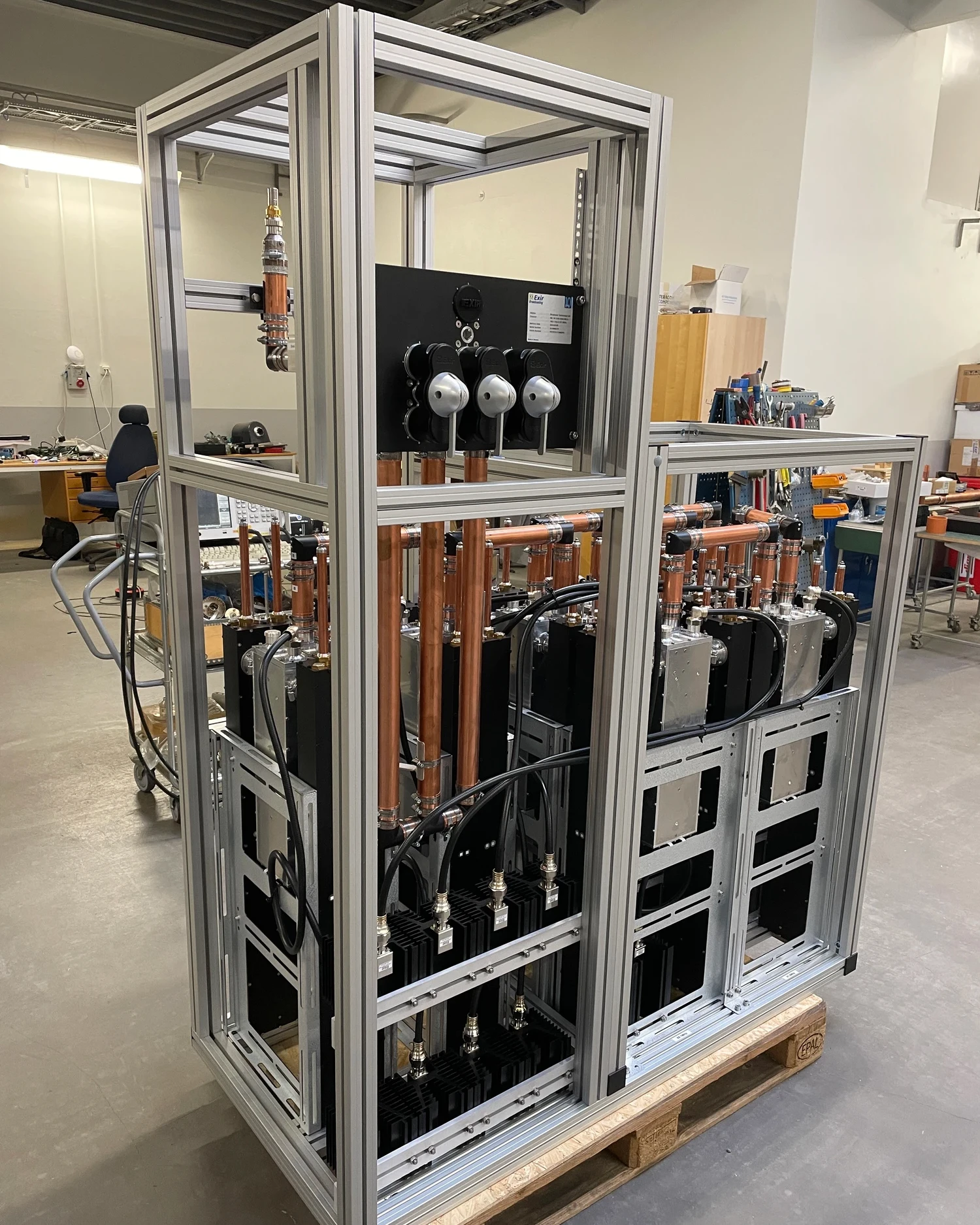 Before
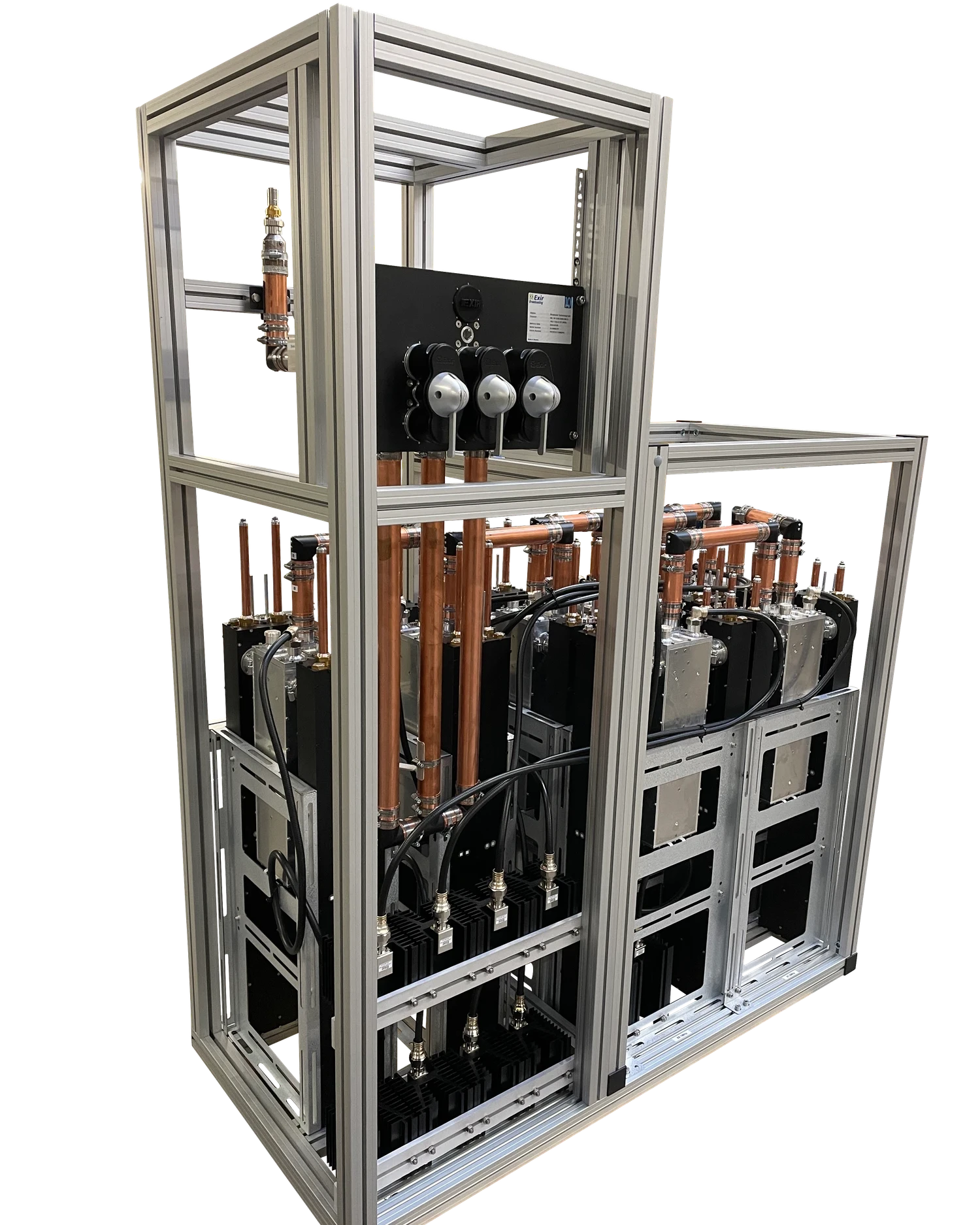 After
AfterBefore and after
Compare the original machinery photo with the finished clipping path, keeping the frame, pipes, and components cleanly defined.
Selected work
From detailed watch components to layered fashion and accessories, each element gets its own precise path for flexible editing and clean production output.
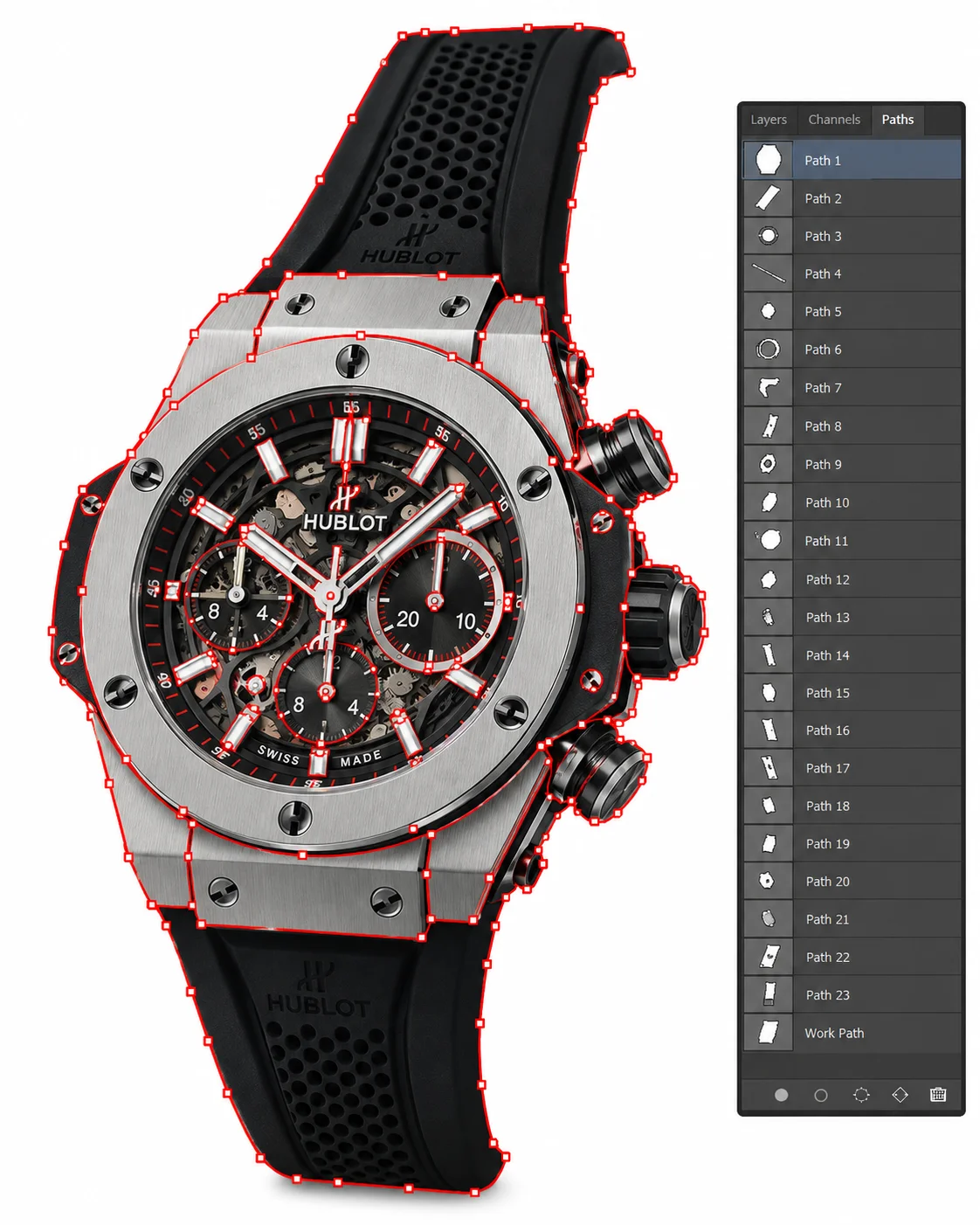 Multi-path
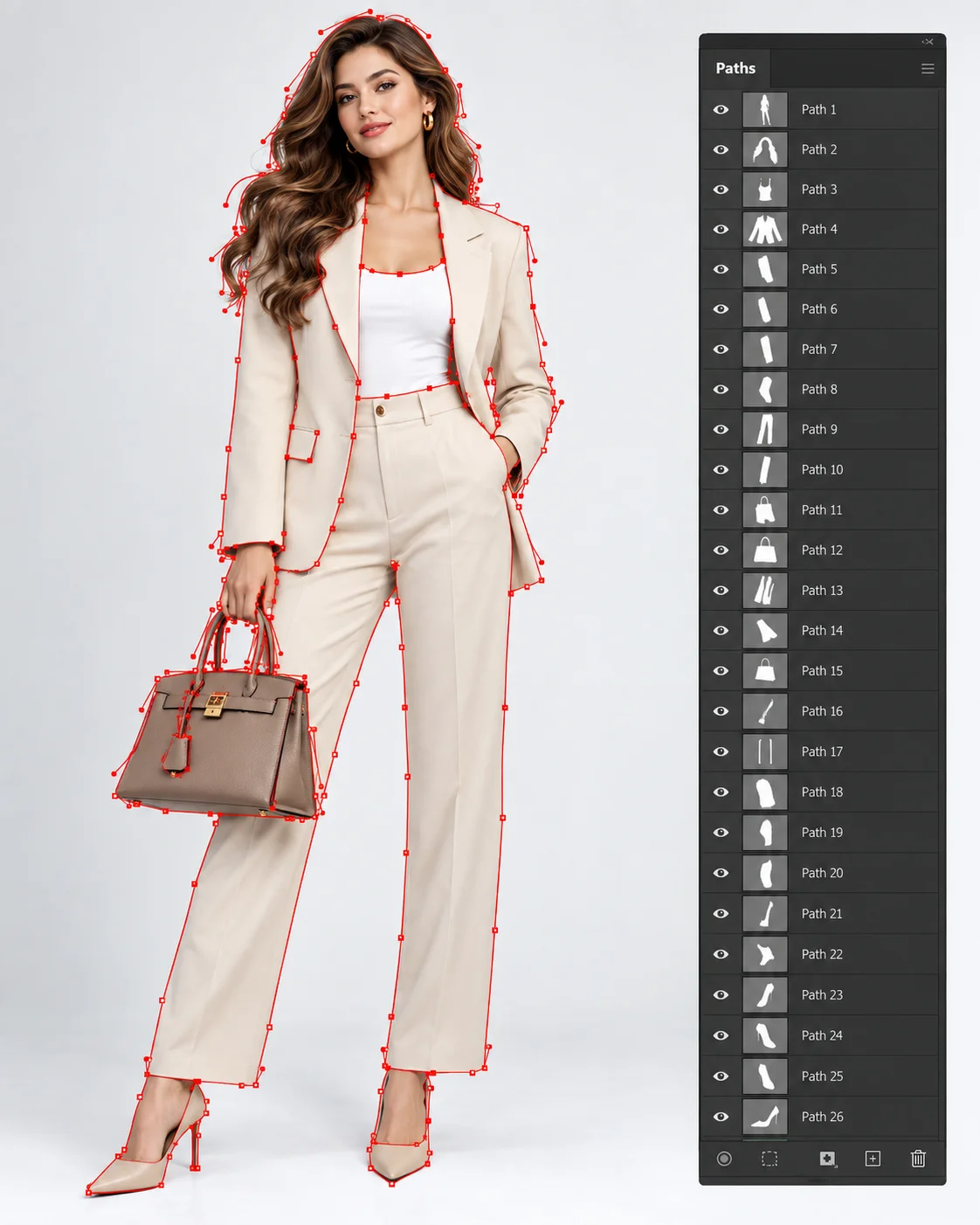 Multi-path
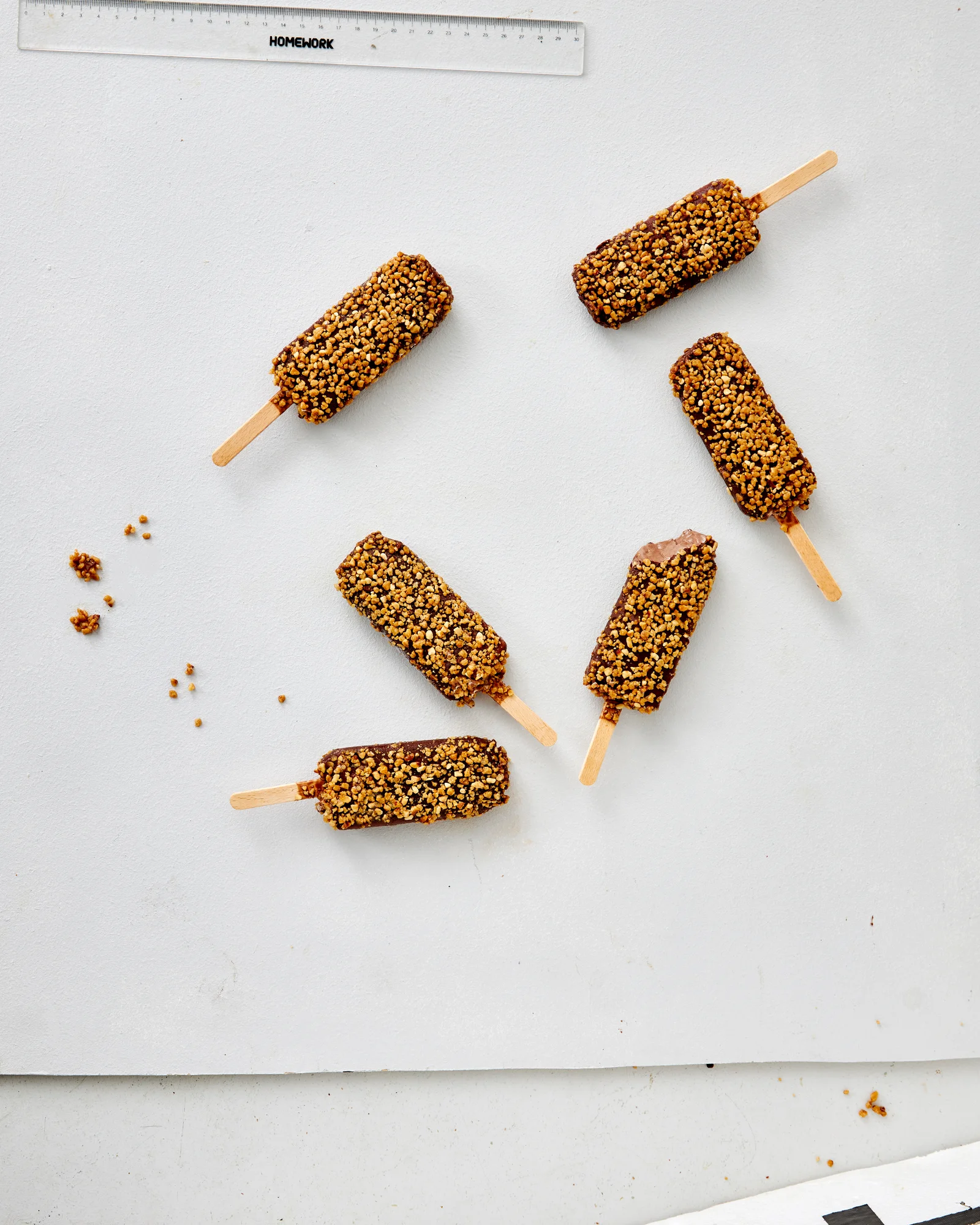 Before
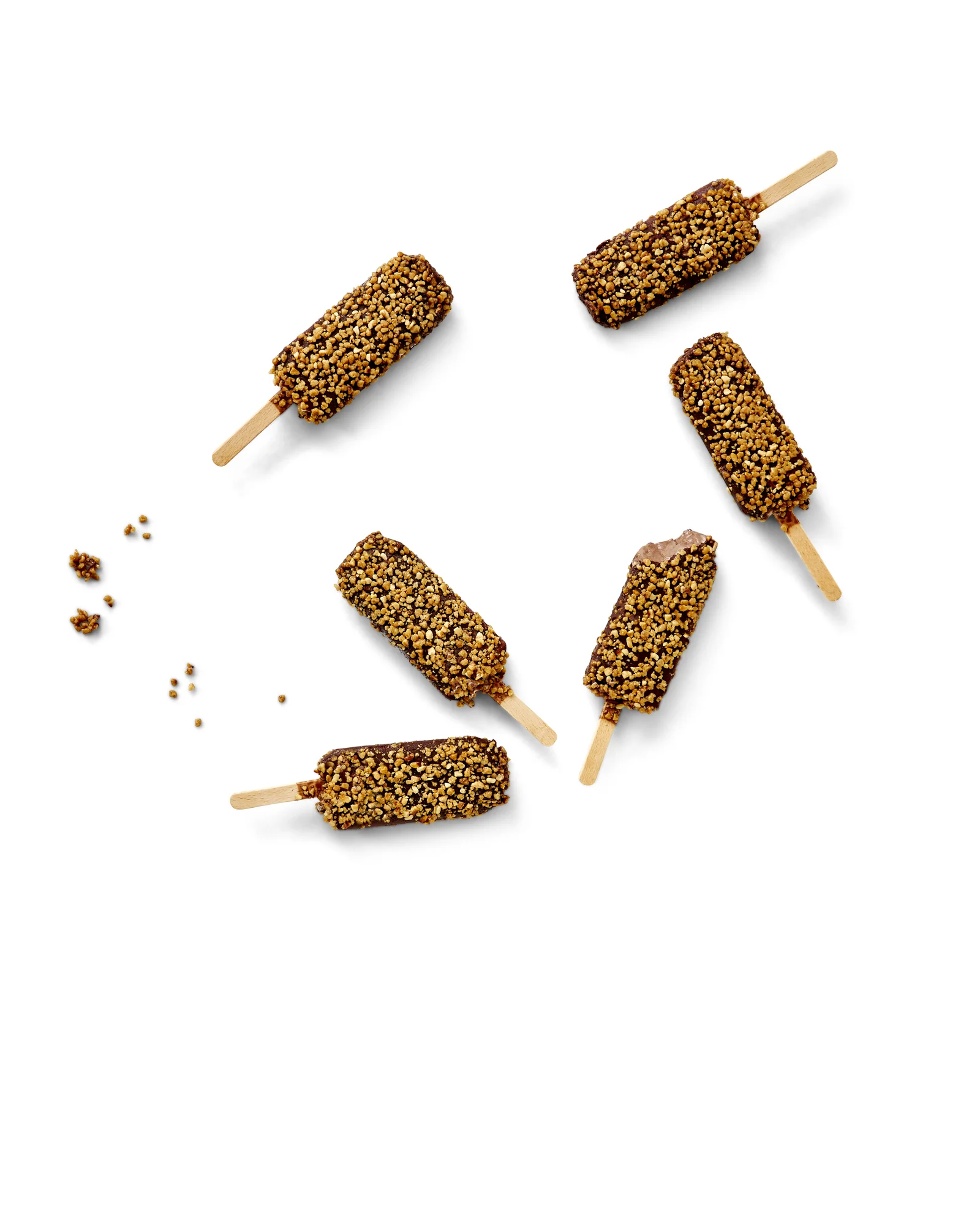 After
AfterBefore and after
Isolate intricate multi-item food compositions—from scattered berries and delicate flakes to packaging and utensils—with sub-pixel hand-drawn vector paths.
From clean product cutouts to complex multi-layered edge isolation, our studio handles fine details, transparent materials, and consistent outputs at scale.
Every path is hand-plotted with smooth bezier handles placed exactly where curves transition naturally.
We organize complex products into named sub-paths (e.g. 'Body', 'Sole', 'Laces', 'Logo') for quick color grading.
Paths are drawn 0.5px inside object boundaries to completely eliminate background color bleed on dark backdrops.
Our 24/7 studio guarantees turnaround within 12 to 24 hours even for batches exceeding 1,000 complex files.
Embedded clipping paths with flat curve tolerances ready for immediate desktop publishing and CMYK separation.
We reject automated AI magic-wand selection tools to ensure zero fuzzy pixels or chopped edges.
From clean product cutouts to complex multi-layered edge isolation, our studio handles every product category with consistent, catalog-wide precision.
Trace curved chair silhouettes and detailed upholstery edges.
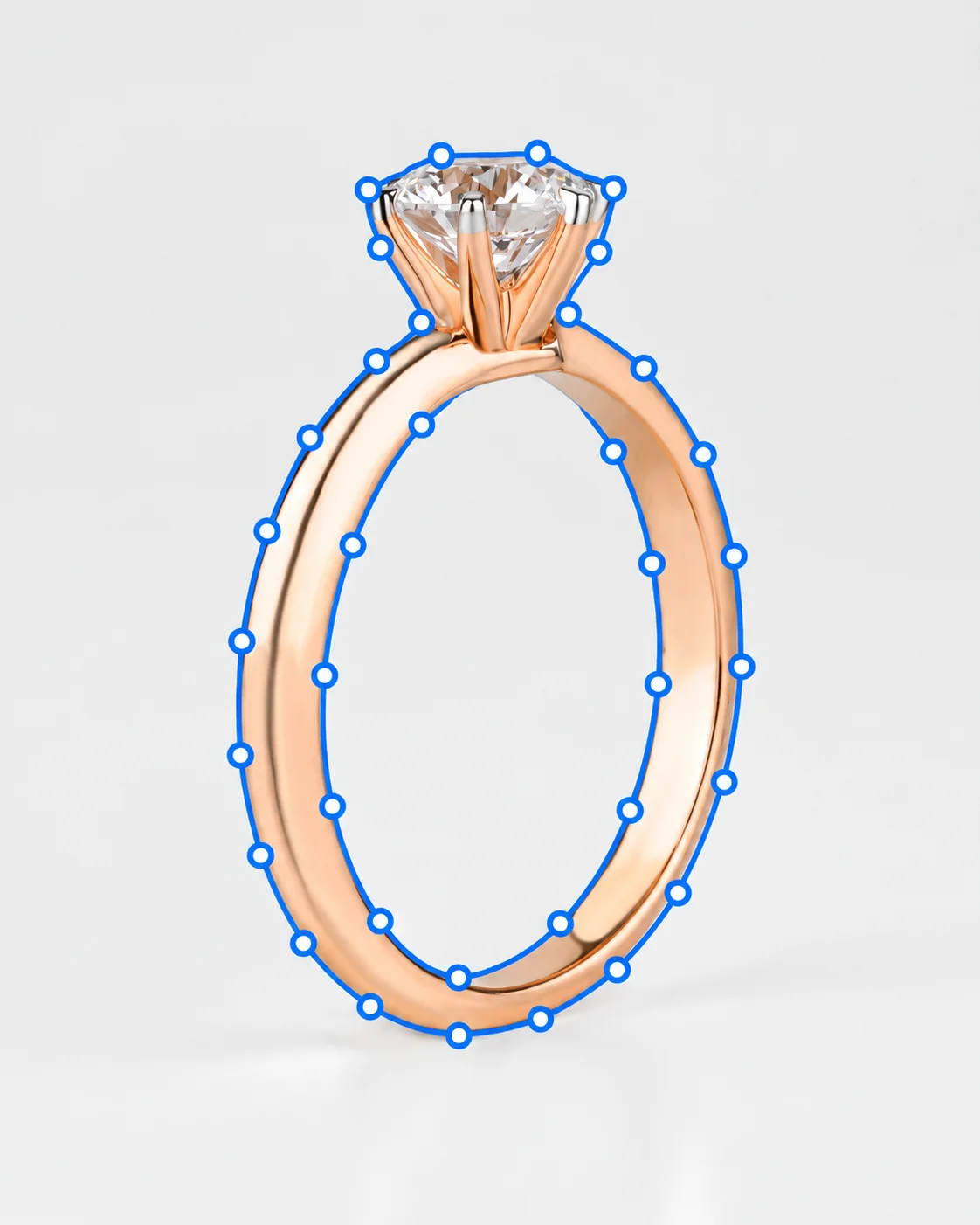
Define gemstone settings and inner openings with compound paths.
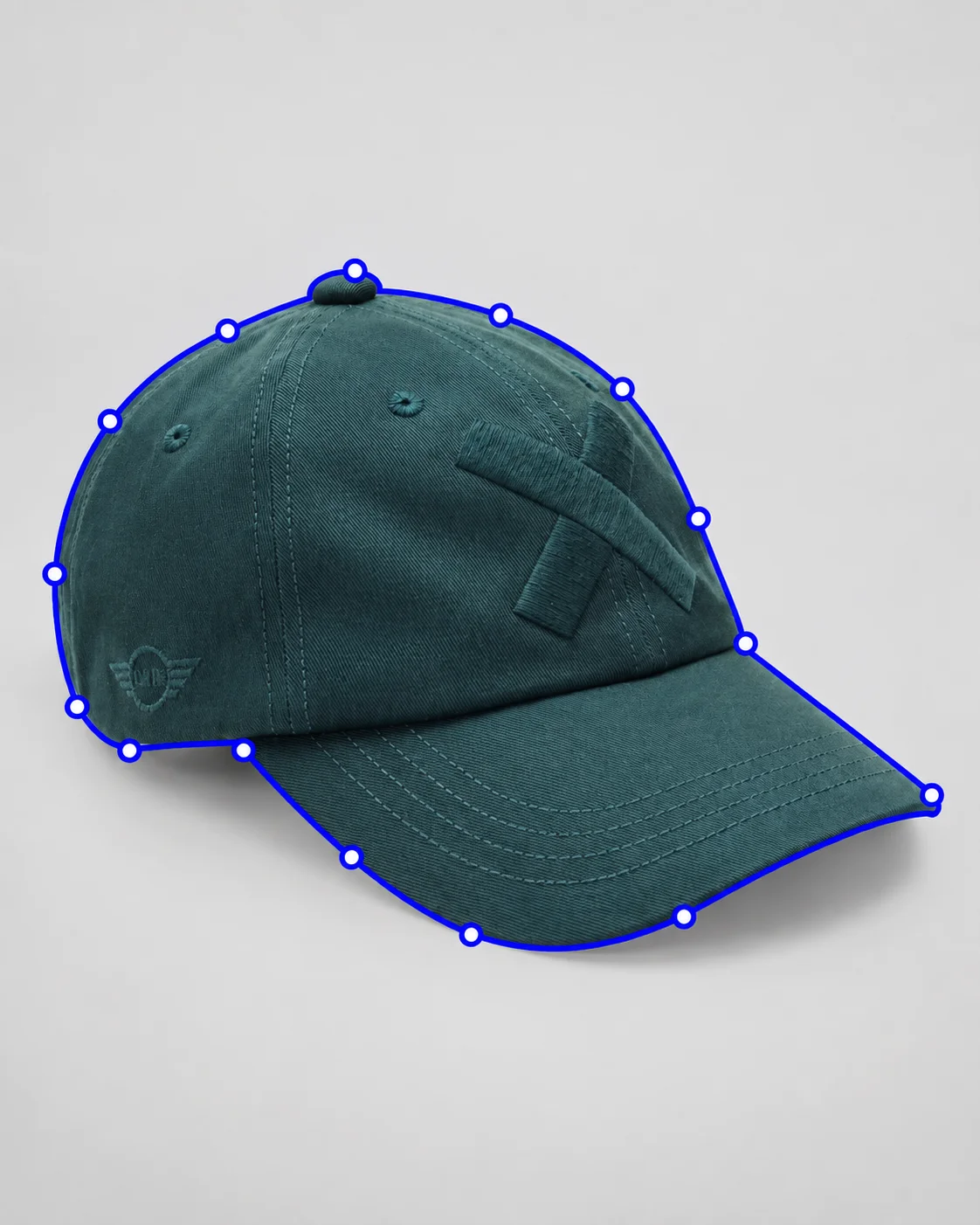
Follow the crown and curved brim through detailed contours.
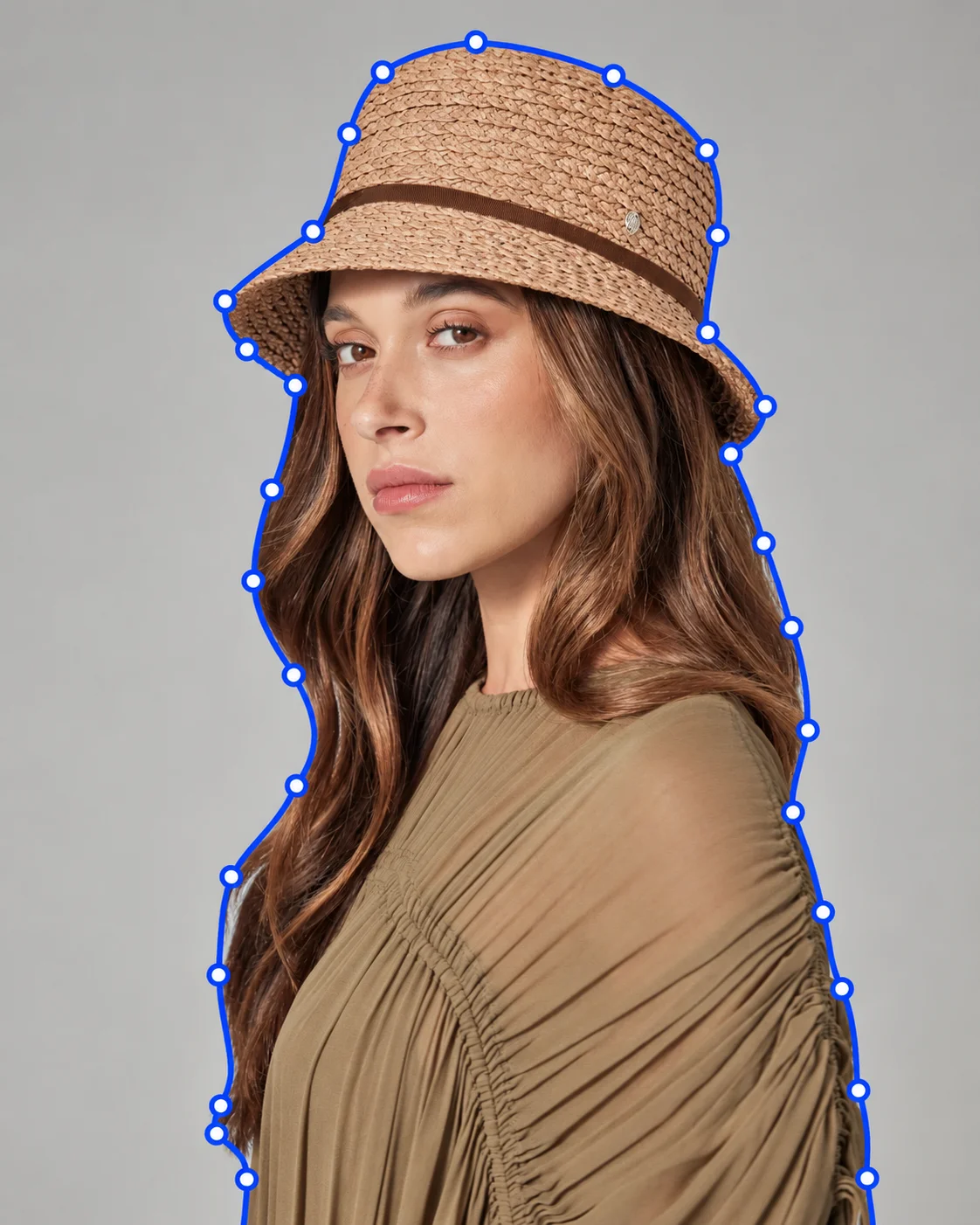
Isolate the model, hair, and hat with a clean connected silhouette.
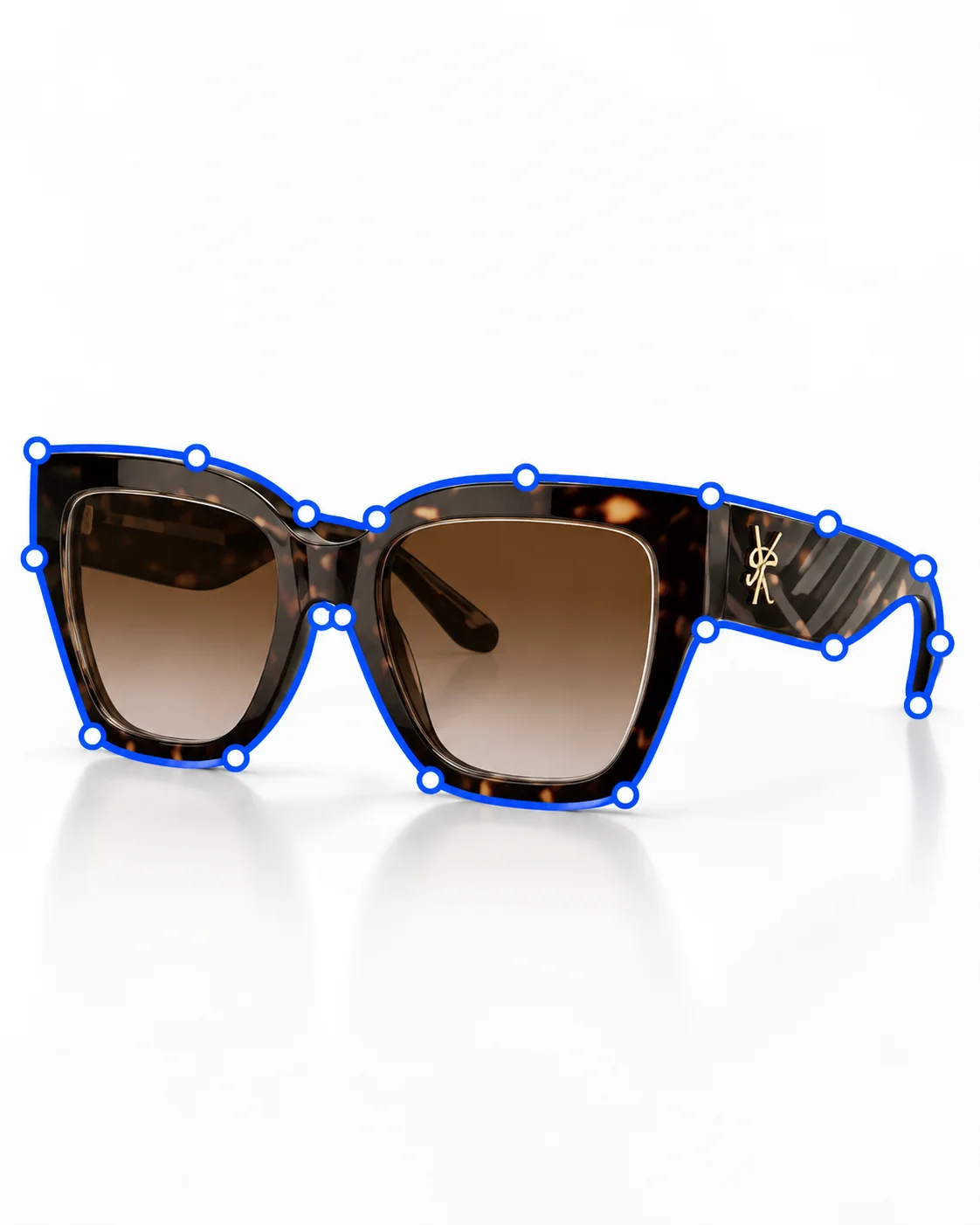
Separate frame contours, lenses, and open spaces accurately.
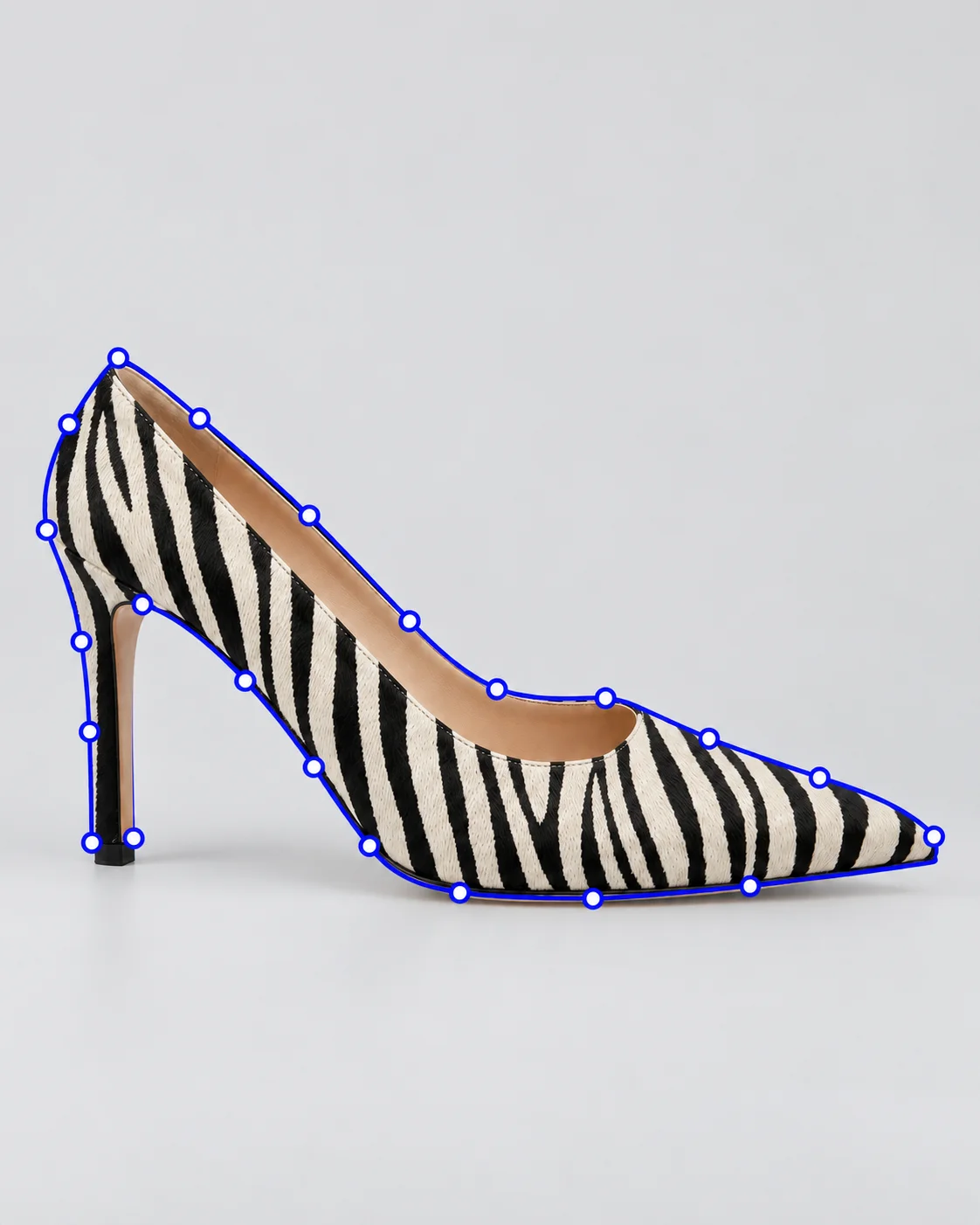
Keep pointed toes, heels, and cut-ins crisp around bold patterns.
Why Studio Click House?
The people, processes and production infrastructure to support demanding commercial e-commerce workflows.
Supporting commercial visual post-production from our Dhaka studio.
A production team aligned with your requirements, references and quality expectations.
Experienced post-production specialists across our visual content capabilities.
Production runs around the clock to keep work moving across time zones.
Client-specific references and QA processes help maintain consistency across every delivery.
Information security and confidentiality practices designed for professional content operations.
Questions and answers
Direct details on file formats, turnaround planning, revisions, and production workflow for commercial imagery and motion.
A single clipping path isolates the outer boundary of an object from its background. A multi-path contains multiple independent vector paths drawn around different components (such as laces, sole, logo, or collar), allowing art directors to independently color grade or manipulate each part.
Yes. We deliver layered PSD or TIFF files with active, named Photoshop Paths saved in the Paths panel, compatible with Adobe Illustrator, InDesign, and Photoshop.
Our retouchers zoom in to 300% and manually place bezier points approximately 0.5 to 1 pixel inside the subject boundary, ensuring no background halos remain when the product is placed onto a new background.
Yes, our artists specialize in super-complex pathing involving dozens of internal hole cutouts, spokes, mesh fabrics, and intricate gemstone prongs.
Batches of up to 500 images are typically completed within 24 hours. Express 12-hour turnaround is also available upon request.
Your next project
Send us 3 sample images and experience our hand-crafted pen tool precision firsthand with a free trial edit.
View rate guideShare up to 3 test files with your path naming or knockout instructions.
Inspect our anchor point placement and curve smoothness at 300% zoom.
Submit entire seasonal production runs with 24/7 delivery assurance.